vimsynth/modules/scope
SCOPE
Shows a waveform. Passes its input through unchanged, so it can be inserted anywhere without a mixer.
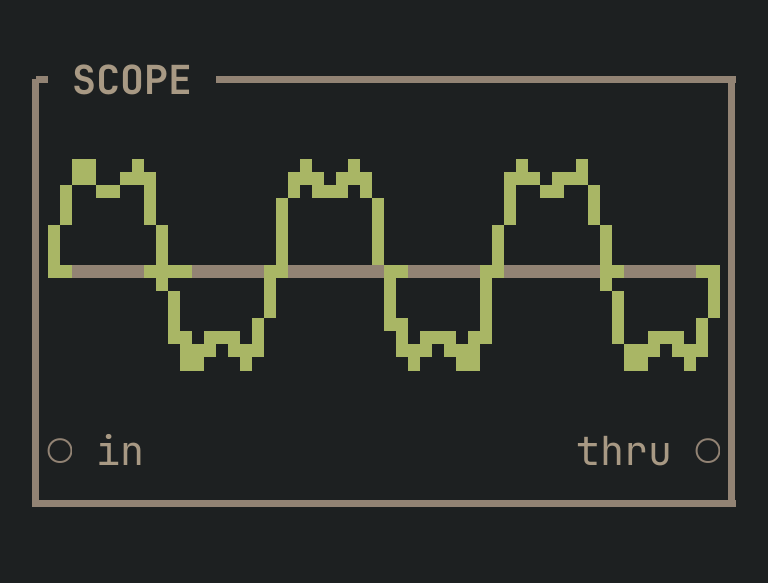
SCOPE to get this card.inputs
Down the left edge of the card, top to bottom.
- inaudio
- The signal to look at.
outputs
Down the right edge, in the same order.
- thruaudio
- The input, unchanged.
more
The full reference — every parameter curve, the patching notes and the worked examples — lives in the manual: docs.vimsynth.com/modules/scope. In the app itself, :help SCOPE opens the same page without leaving the rack.